Grubhub Photo Requirements: 2025 Restaurant Guide
Grubhub processes millions of orders daily, and restaurants with professional menu photos consistently outperform those without. In this comprehensive guide, we'll cover everything you need to know about Grubhub's photo requirements and how to create images that convert browsers into customers.
Why Menu Photos Matter on Grubhub
According to Grubhub's internal data, menu items with photos receive up to 30% more orders than those without. Customers scrolling through dozens of restaurant options make split-second decisions based on visual appeal.
Quality photos help your restaurant:
- Stand out in crowded search results
- Set accurate expectations for portion sizes
- Reduce order complaints and refund requests
- Build trust with first-time customers
- Increase average order value through visual upselling
Grubhub Photo Specifications
Grubhub accepts photos that meet the following technical requirements:
| Specification | Requirement |
|---|---|
| Minimum Resolution | 1200 x 800 pixels |
| Recommended Resolution | 2000 x 1500 pixels |
| Aspect Ratio | 4:3 or 16:9 |
| File Format | JPEG or PNG |
| Maximum File Size | 10 MB |
| Color Profile | sRGB |
Pro Tip: Shoot Higher Resolution
Always photograph your dishes at a higher resolution than required. This gives you flexibility to crop and adjust composition while maintaining image quality. Aim for at least 3000 x 2000 pixels when shooting.
Grubhub Photo Content Guidelines
Beyond technical specs, Grubhub has specific guidelines about what your photos should and shouldn't include:
What to Include
- The actual dish as it will be delivered
- Appropriate garnishes that come with the order
- Natural, appetizing presentation
- Clean, neutral backgrounds
What to Avoid
- Text, logos, or watermarks on images
- Stock photos or images from other restaurants
- Props that don't come with the dish
- Heavily filtered or unrealistic colors
- Human hands or faces in the frame
- Multiple dishes in one photo (unless it's a combo)
See the Difference Quality Makes
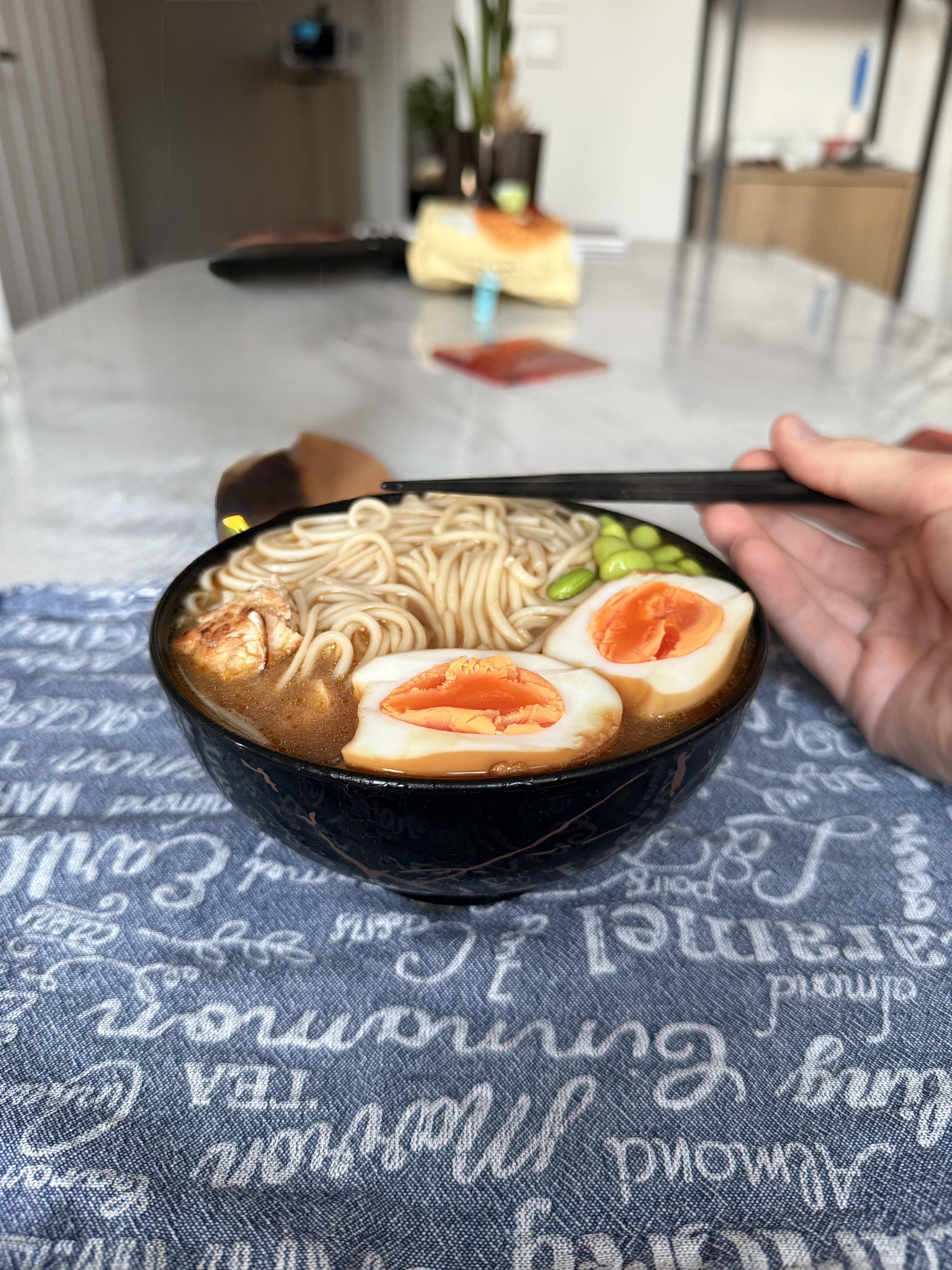
Here's a real example of how professional photo enhancement transforms a menu image:
Before

After
Notice how the enhanced version has better lighting, more vibrant colors, and improved contrast that makes the dish look more appetizing while still appearing natural and realistic.
How to Upload Photos to Grubhub
Grubhub provides multiple ways to add photos to your menu:
Method 1: Grubhub for Restaurants Portal
- Log into your Grubhub for Restaurants account at restaurant.grubhub.com
- Navigate to "Menu" in the left sidebar
- Click on the item you want to add a photo to
- Click "Add Photo" or the camera icon
- Upload your image and adjust cropping if needed
- Save your changes (photos may take 24-48 hours to appear)
Method 2: Contact Your Account Advisor
For bulk photo uploads or if you're having trouble with the portal, your Grubhub Account Advisor can upload photos on your behalf. Simply email them your photos with clear labels matching your menu item names.
Transform Your Grubhub Menu Photos
Plated instantly enhances your food photos to meet Grubhub's quality standards. No photography skills required.
Try Plated FreePhotography Tips for Grubhub Success
Lighting
Natural light is your best friend. Photograph dishes near a window during daylight hours, but avoid direct sunlight which creates harsh shadows. If natural light isn't available, use soft, diffused artificial lighting from multiple angles.
Angles
The best angle depends on your dish:
- Flat dishes (pizza, salads): Shoot directly overhead at 90 degrees
- Tall dishes (burgers, sandwiches): Shoot at 45 degrees to show height
- Bowls (soups, noodles): Shoot at 30-45 degrees to show contents
Backgrounds
Keep backgrounds simple and neutral. A clean wooden table, white marble, or solid colored surface works well. Avoid busy patterns or cluttered backgrounds that distract from the food.
Plating
Plate your food as if it were going to a customer, but take extra care with presentation. Wipe plate edges clean, arrange components thoughtfully, and add fresh garnishes right before shooting.
Common Grubhub Photo Mistakes
Avoid these common errors that can hurt your menu performance:
1. Dark, Underexposed Photos
Poorly lit photos make food look unappetizing. If your phone's camera produces dark images, try moving closer to a light source or using Plated to automatically correct exposure and lighting.
2. Inconsistent Styling
Your menu should have a cohesive look. Use similar backgrounds, lighting, and angles across all photos to create a professional, unified appearance.
3. Wrong Aspect Ratio
Photos that get awkwardly cropped or stretched look unprofessional. Always shoot in 4:3 or 16:9 aspect ratio, or crop your images before uploading.
4. Outdated Photos
If your dishes have changed, update your photos. Customers who receive something different from the photo are more likely to leave negative reviews or request refunds.
Enhance Your Photos with Plated
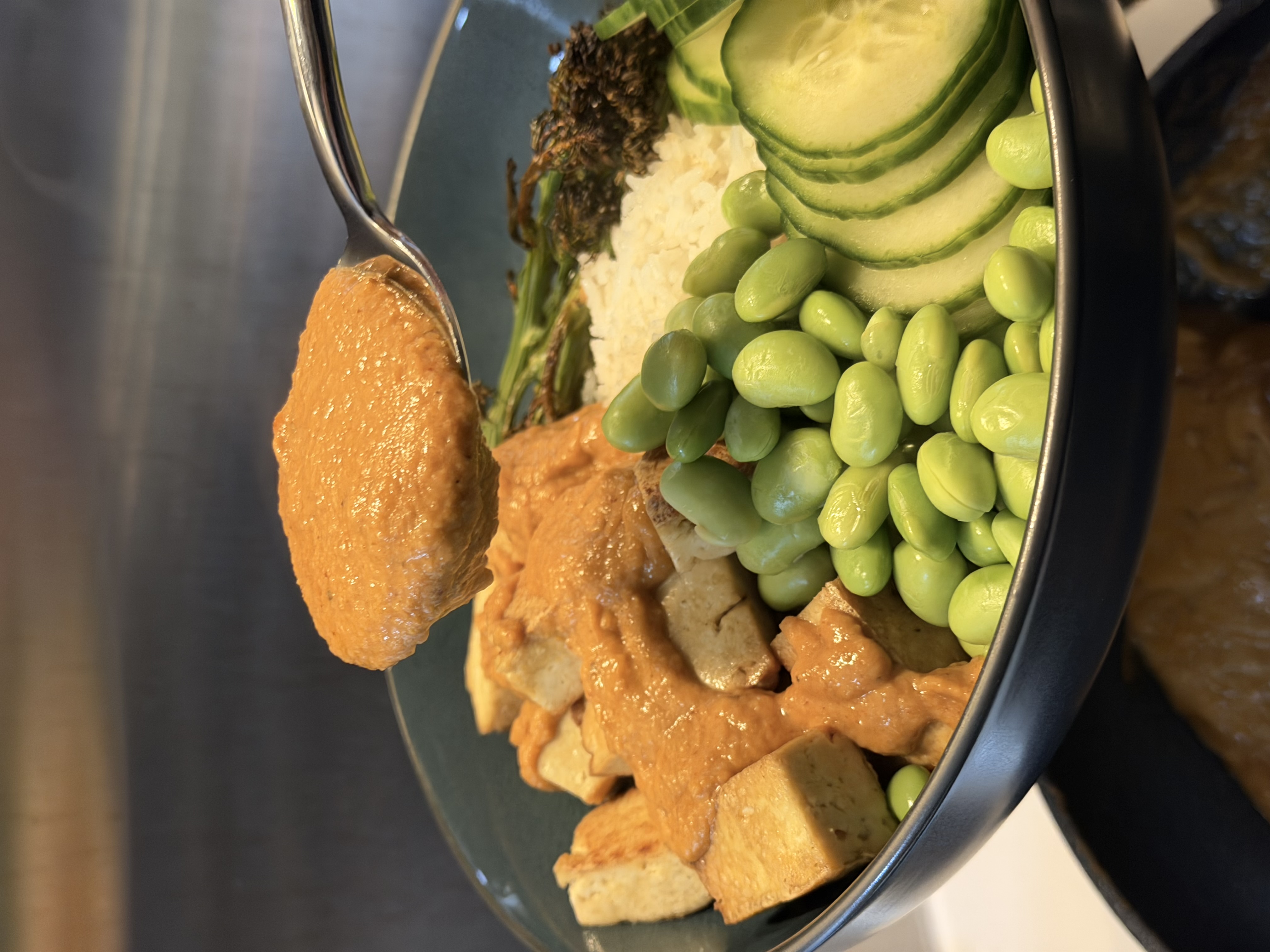
Getting professional-quality photos doesn't require expensive equipment or photography expertise. Plated uses advanced image enhancement to transform your existing photos into menu-ready images.
Here's how easy it is:
- Take a photo of your dish with your smartphone
- Open Plated and upload your image
- Tap enhance to automatically improve lighting, colors, and composition
- Download your Grubhub-ready photo
Before

After
Measuring Photo Performance on Grubhub
After adding or updating your photos, monitor these metrics in your Grubhub for Restaurants dashboard:
- Item views: Are customers clicking on items with new photos?
- Conversion rate: What percentage of views turn into orders?
- Order frequency: Are photographed items being ordered more often?
- Customer feedback: Are there fewer complaints about food appearance?
Give new photos at least 2-4 weeks to show results, as customer behavior data takes time to accumulate.
Grubhub Photo FAQs
How long does it take for photos to appear on my menu?
Photos typically appear within 24-48 hours after uploading through the Grubhub for Restaurants portal.
Can I use the same photos on DoorDash and Uber Eats?
Yes! Photos that meet Grubhub's requirements will work on all major delivery platforms. Just be sure to check each platform's specific aspect ratio preferences.
Does Grubhub offer professional photography?
Grubhub occasionally offers photography services to select restaurant partners. Contact your Account Advisor to check availability in your area.
How many photos should I have on my menu?
Aim to have photos for at least your top 20% best-selling items. Ideally, every item on your menu should have a photo, but prioritize your signature dishes and high-margin items first.
Ready to Boost Your Grubhub Orders?
Join thousands of restaurants using Plated to create stunning menu photos. Start enhancing your photos today.
Get Started with Plated