DoorDash Menu Photo Guide: Sizes, Tips & Best Practices
DoorDash is one of the most competitive food delivery platforms in the market. With thousands of restaurants vying for customer attention, your menu photos can make or break your success. This guide covers DoorDash's photo requirements and strategies to help you stand out.
DoorDash Photo Specifications
To ensure your photos display correctly across all devices, follow these specifications:
Important: DoorDash uses a slightly different aspect ratio (4:3) compared to other platforms. Using the correct ratio prevents awkward cropping of your photos.
How DoorDash Uses Your Photos
Understanding where your photos appear helps you optimize them better:
Search Results
Thumbnail photos appear in search results, influencing click-through rates.
Menu Items
Full-size photos display when customers tap on individual menu items.
Restaurant Page
Your hero image and featured items create the first impression.
Featured Placements
Quality photos increase chances of being featured in promotions.
Before & After: The Plated Difference
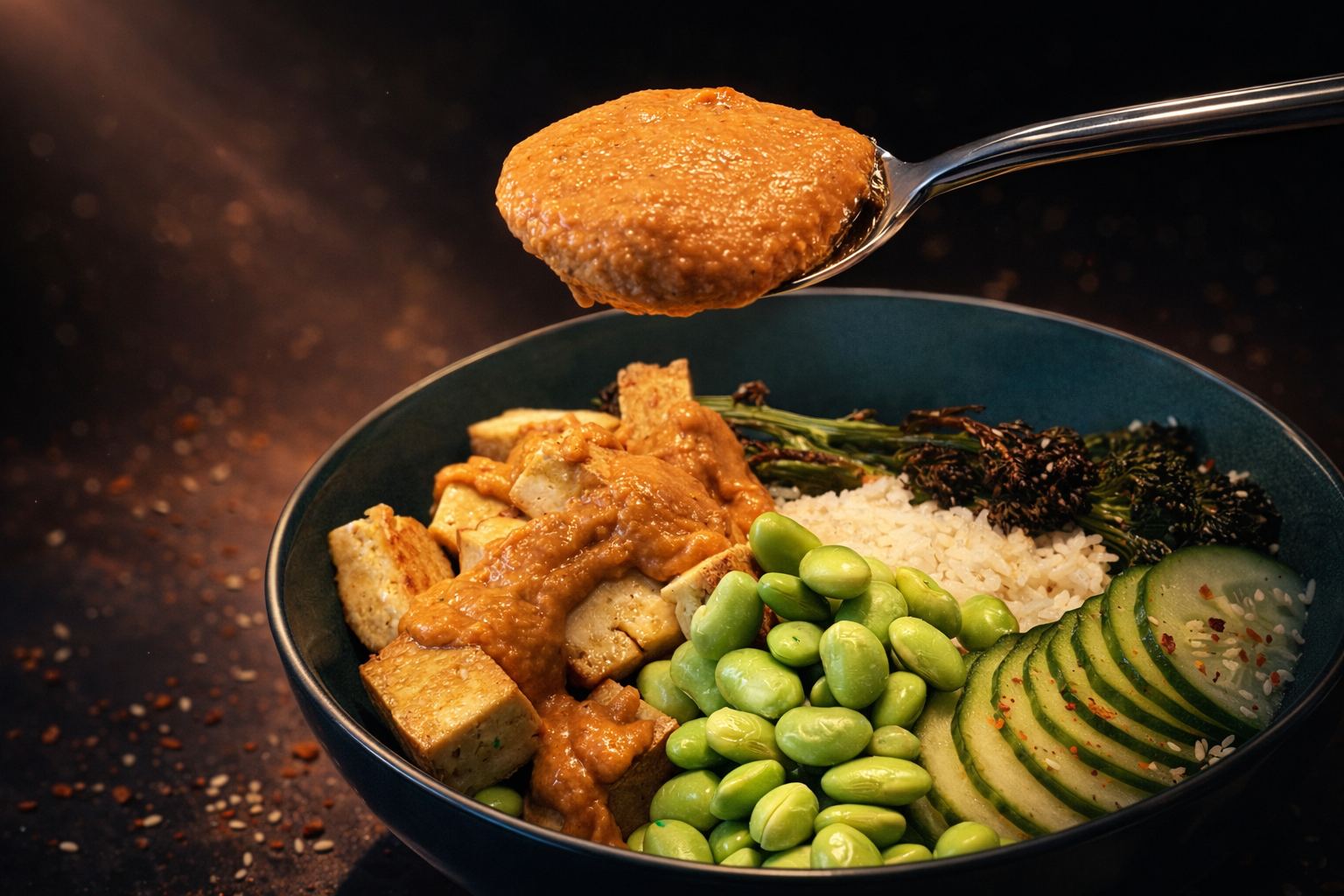
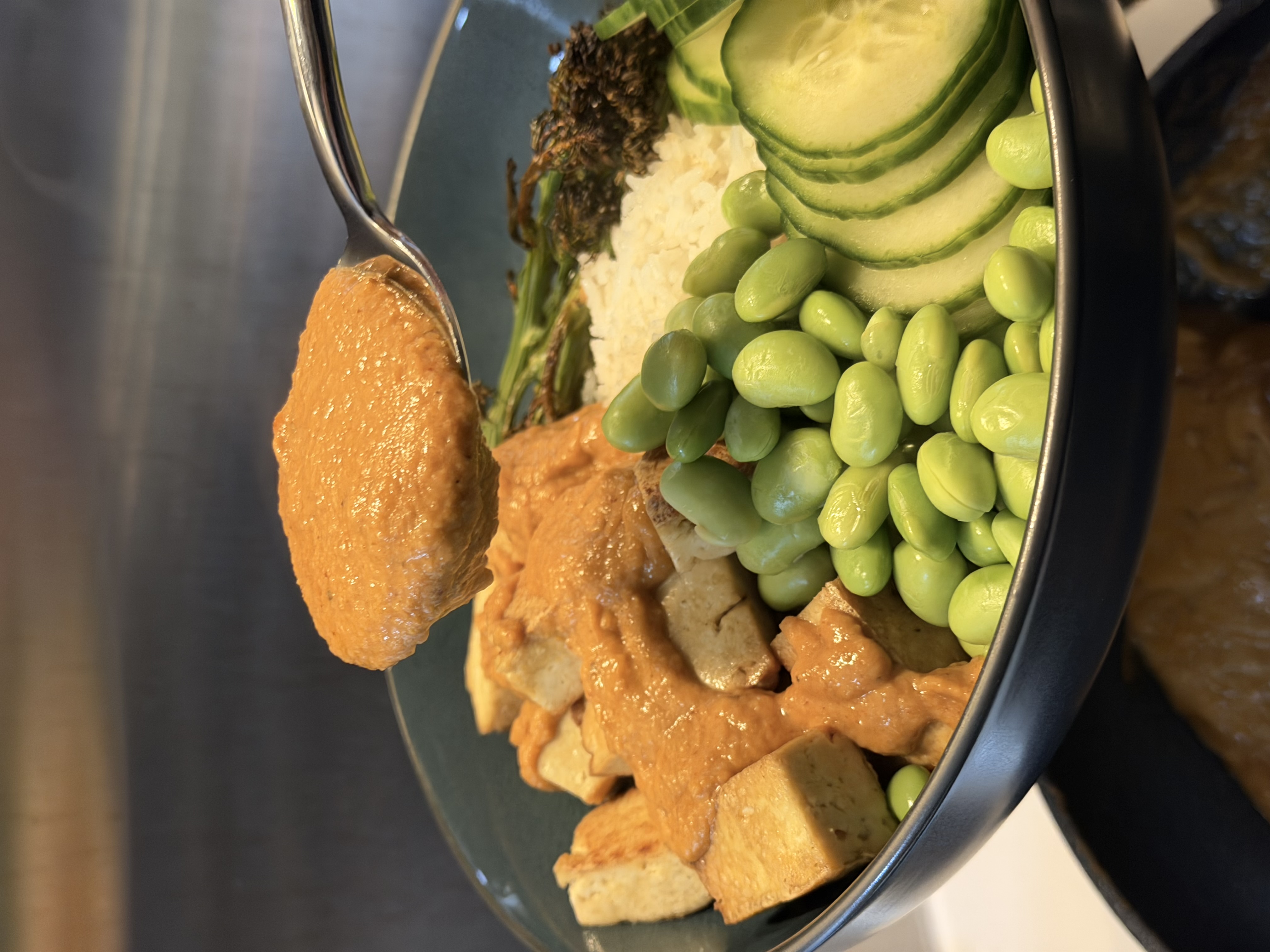
See how smartphone photos transform into DoorDash-ready images:
 Before
After
Before
After
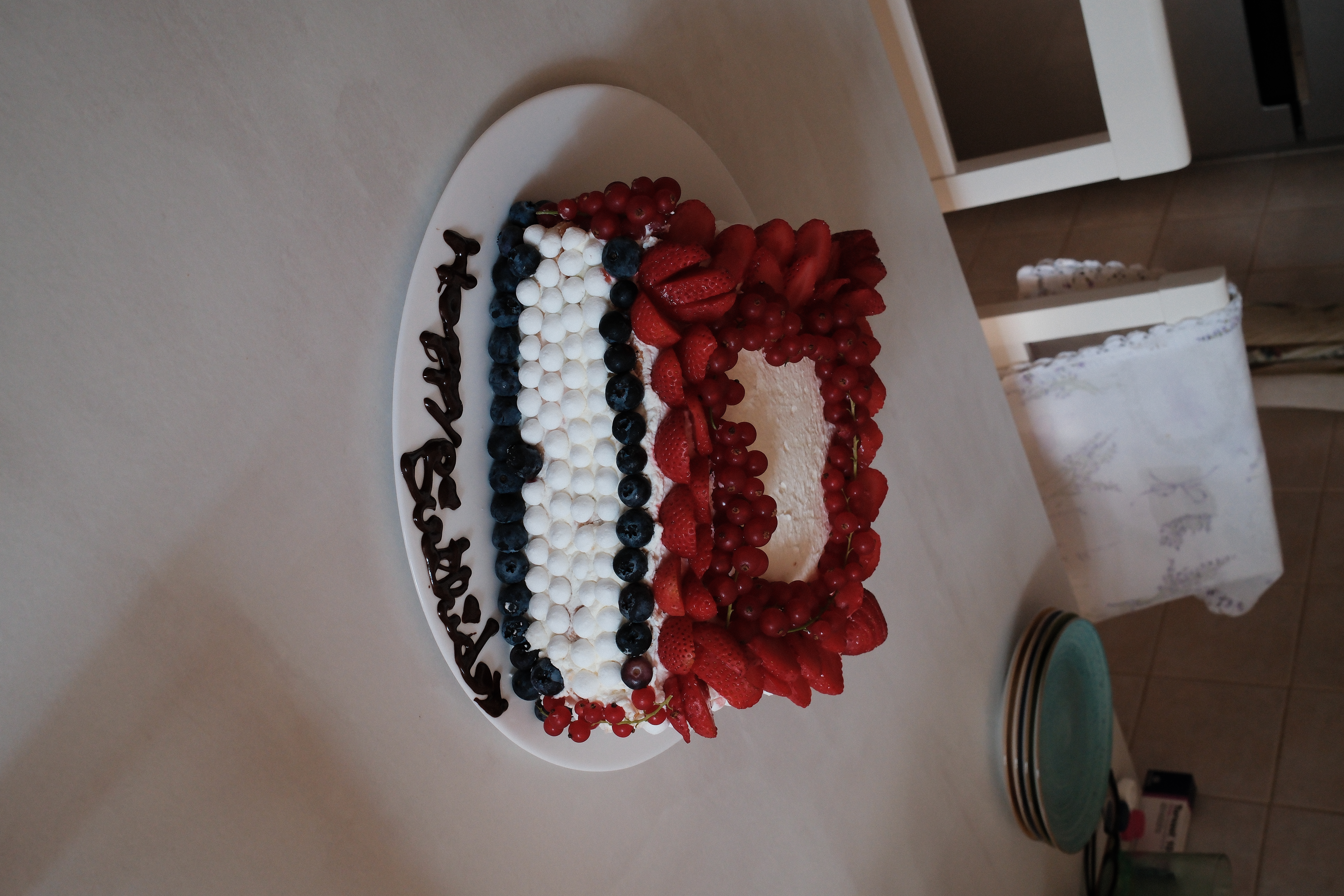
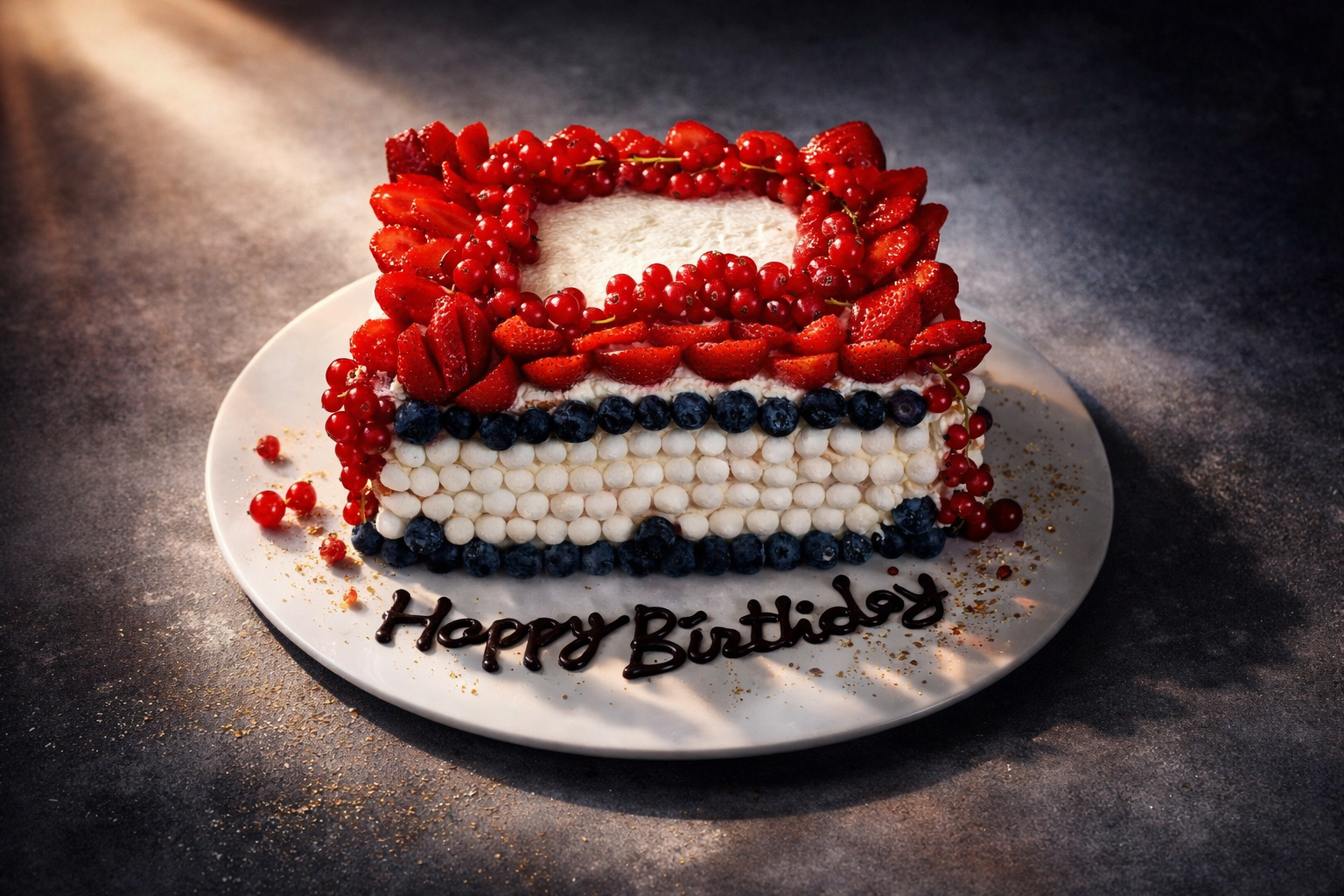
Professional enhancement corrects lighting issues, enhances colors, and gives your food that appetizing look that drives orders.
DoorDash Photo Best Practices
Composition Tips
- Fill the frame: Your dish should be the star—minimize empty space
- 45-degree angle: This angle shows depth while revealing toppings and ingredients
- Clean backgrounds: Use solid, neutral colors that don't distract
- Show scale: Include subtle context to convey portion size
Lighting Guidelines
- Natural light is best: Position near a window, but avoid direct sunlight
- Diffuse harsh shadows: Use a white sheet or curtain to soften light
- One light source: Avoid mixing natural and artificial lighting
- Light from the side: Side lighting creates depth and texture
 Before
 After
After
Creating DoorDash Photos with Plated
Get professional results without professional equipment. Here's the workflow:
-
Prep and plate your dish
Make it look exactly as a customer would receive it. Fresh garnishes and careful plating matter. -
Set up your shot
Find a spot with good natural light. Use a simple background—even a wooden cutting board works great. -
Capture with your iPhone
Take multiple shots from different angles. Get close to the dish and tap to focus on the food. -
Enhance with Plated
Open Plated, select your best shot, and choose "Menu" style for clean, professional results. -
Upload to DoorDash Merchant Portal
Save your enhanced photo and upload it through the DoorDash Merchant Portal.
Create DoorDash-Ready Photos Today
Transform your smartphone photos into professional menu images in seconds.
Download PlatedUploading Photos to DoorDash
Here's how to add or update photos in your DoorDash menu:
- Log in to the DoorDash Merchant Portal
- Navigate to Menu Manager
- Select the menu item you want to update
- Click on the image placeholder or existing photo
- Upload your enhanced image
- Adjust cropping if needed (maintain 4:3 ratio)
- Save and publish your changes
Pro tip: Update your hero image seasonally to keep your restaurant page looking fresh and relevant. A winter comfort food image in December hits differently than a summer salad.
Maximizing Your DoorDash Visibility
Photo Coverage
DoorDash favors restaurants with complete photo coverage. Aim to have professional photos for:
- Every menu item (especially your top sellers)
- Hero/cover image for your restaurant
- Category headers if applicable
- Special or seasonal items
Consistency Matters
A cohesive visual style across your menu creates a professional impression. Use similar:
- Lighting and color temperature
- Backgrounds and props
- Shooting angles
- Editing style
Plated's "Menu" style helps ensure consistency—all your enhanced photos will have a unified, professional look.
Common DoorDash Photo Mistakes
- Wrong aspect ratio: Using 3:2 photos on DoorDash's 4:3 display causes awkward cropping
- Low resolution: Blurry photos suggest low-quality food
- Poor lighting: Dark, yellow-tinted photos make food look unappetizing
- Cluttered shots: Too many elements distract from the food
- Inconsistent style: Mixing different photo styles looks unprofessional
- Missing photos: Items without photos get skipped by customers
Measuring Photo Impact
After updating your photos, monitor these metrics in DoorDash Merchant Portal:
- Menu item views: Are customers clicking on items with new photos?
- Add-to-cart rate: Are more views converting to orders?
- Overall order volume: Track changes after photo updates
- Customer feedback: Watch for mentions of food presentation
Conclusion
On DoorDash, your photos are your most powerful marketing tool. They're the first thing customers see and often the deciding factor between your restaurant and the competition. By following DoorDash's specifications and using tools like Plated to enhance your images, you can create a menu that drives more orders.
Start with your most popular items, ensure you meet the 4:3 aspect ratio requirement, and maintain consistency across your menu. The investment in quality photos pays dividends with every customer who chooses your restaurant.